
Canonicals combine signals from duplicates and variants. Get the rules right—self‑canonicals, absolute URLs, and edge cases—so the right page wins.
In the SEO world, the rel="canonical" tag is like the Swiss Army knife everyone secretly wishes they had. In short, it helps you keep duplicate content under control. Whether you’re an SEO whiz, a developer coding late nights, or the manager of a booming online store, using this tool well keeps your site smooth. This guide walks you step by step through the canonical tag—from “what is it?” to “how to do it like a pro.”
What Exactly is a Canonical Tag?
Plain Definition
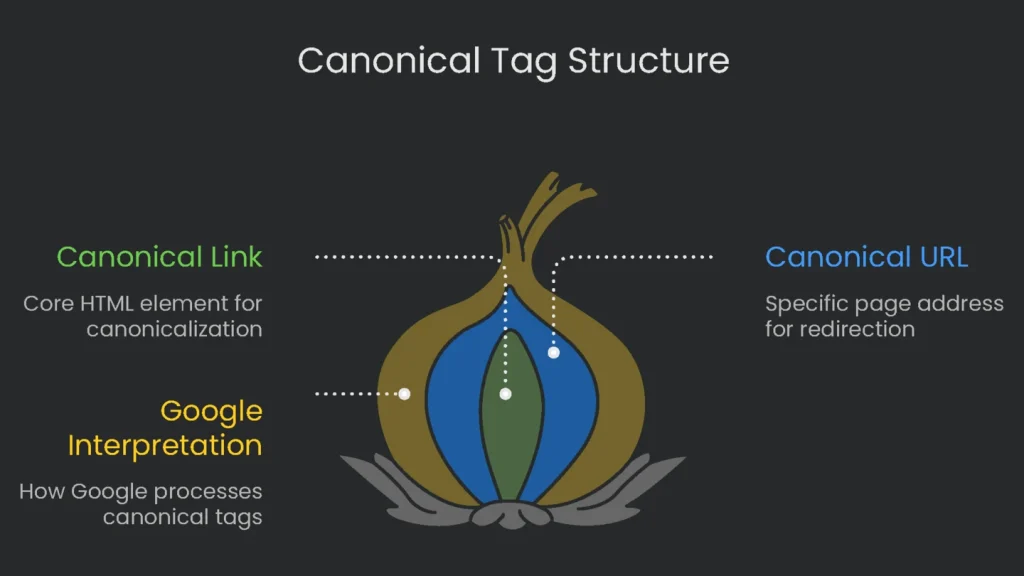
Think of a canonical tag as a polite note from a web page to Google that says, “I’m the page you really should save and show the world.” The flick of HTML looks like this: a link with the rel="canonical" attribute. It’s made of two simple ingredients:
- The Canonical Link:
rel="canonical"tells Google that the link is the one-page-to-rule-them-all. - The Canonical URL: the actual page address tagged in the
hrefbit.
How Google Interprets It
This is the URL where you want everyone and their pet spider to go. However, the tag is a strong suggestion, not a bossy order. Google upvotes the hint, yet it also checks other clues—like the number of internal links or your sitemap—before deciding which page to spotlight in search results.
The Duplicate Content Dilemma
Why Duplicates Hurt
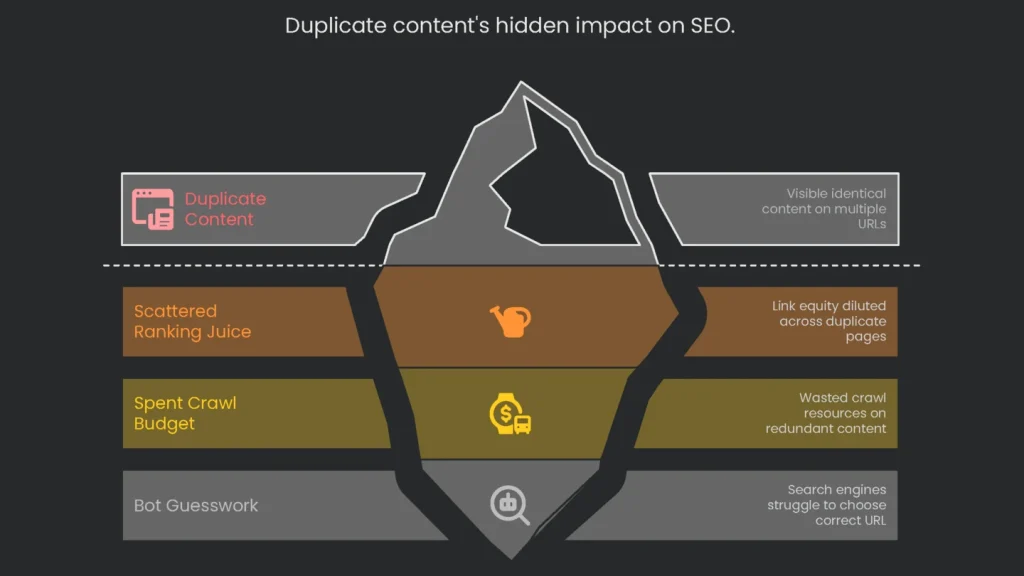
Duplicate content creeps in when the exact or almost-exact copy lands on different URLs within your site. It may feel harmless. However, it can quietly drag your results down:
- Scattered Ranking Juice: If different versions get outside links, the “link juice” loses punch. Instead of one page collecting the full boost, credit gets chopped up. As a result, every version is weaker and slower to climb.
- Spent Crawl Money: Every site has a crawl budget. When bots waste clicks on copy pages, they miss fresh or expanded content that needs attention.
- Bot Guesswork: If an engine sees the same page in more than one spot, it must guess which one to show. Consequently, the URL you don’t prefer might rank.
How Canonicals Steer Authority Home
Consolidating Signals
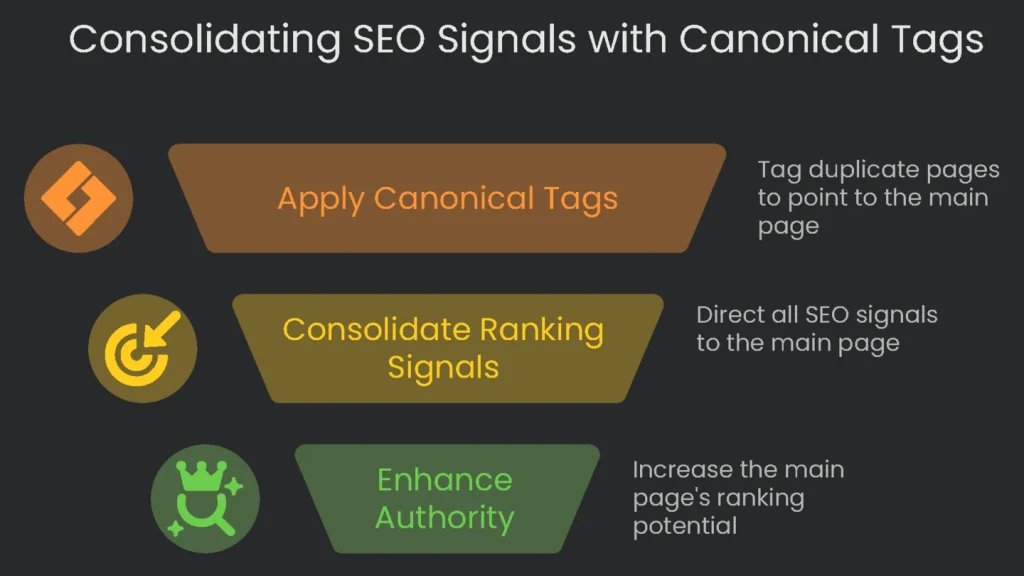
The handy link rel="canonical" tag cuts through the noise. By adding it to duplicates, you tell search engines, “Treat my chosen version as the original.” Therefore, let all ranking signals—like outside links and clicks—flow to one URL. As a result, the authority of same-content versions pools into a single powerhouse page ready to compete.
Example: Product Variants
Let’s say you sell t-shirts in five colors: red, blue, green, yellow, and black. Each variation gets its own page like /t-shirt-red or /t-shirt-blue. If you want Google to see all those colors as one product, point each color page’s canonical to the main /t-shirt URL. Consequently, the ranking signals roll up to the primary product page.
When to Use Canonical Tags
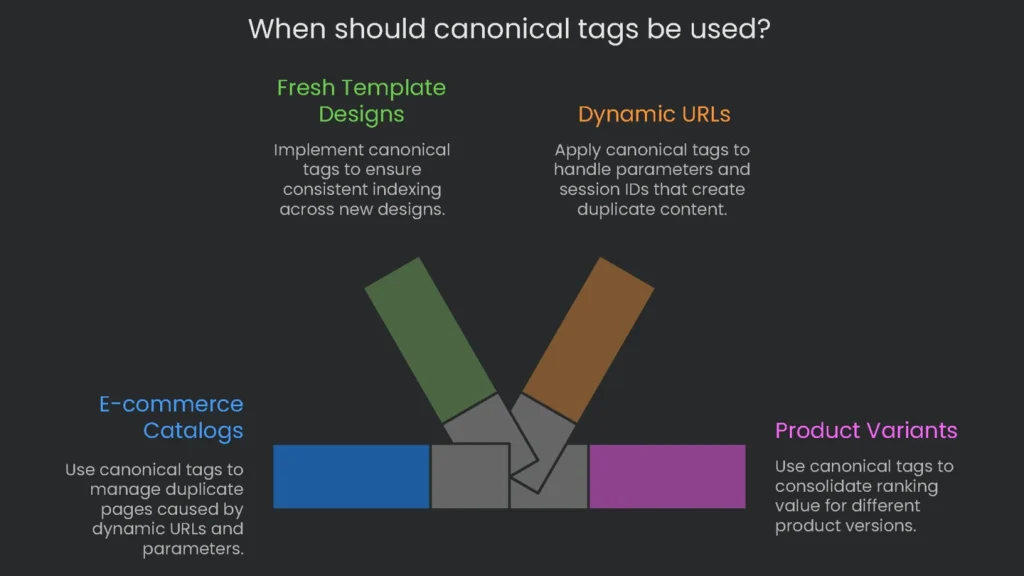
So, when should you roll out canonicals, and when is it a bad idea to bother? Knowing the right moment flips the tag from nice-to-have to must-have. Therefore, use it as a tidy fix for e-commerce catalogs or fresh template designs.
E-commerce and Dynamic URLs
Dynamic storefronts and catalogs often duplicate pages when parameters stack up. For example, watch for the cases below.
- Managing Dynamic URLs: Systems that don’t clean up URLs tack on parameters that appear without changing the content.
- Tracking Parameters: Campaigns and newsletters add
?utm_source=mail-listor similar. That’s great for clicks but a pain for indexing. Instead, create a canonical that points to the base page, like/t-shirt. - Session IDs: A URL like
?sessionid=xyzgenerates many copies of the same content. Canonical tags sweep that away by pointing all session versions back to/t-shirt. - Filtering & Sorting: Shoppers narrow choices using bits like
?color=blueor?sort=price. Consequently, every version should point back to the main category page with a canonical. - Product Variants: Different URLs for one item in many colors or sizes are normal. However, all variants should reference one main product page to share ranking value.
- Faceted Navigation: Pile on filters and you get a flood of URL combos. Therefore, use canonicals on those messy links to send bots back to the standard category page.
Overall Site Health
A good canonical helps every page keep a clear, steady URL. Additionally, it backs up your redirects and sitemaps.
- Protocol & Subdomain Duplicates (HTTP vs. HTTPS): Your site should stick to one version, such as
https://www.example.com. 301 redirects usually do the job. However, a self-referencing canonical on every page adds protection if a stray link slips through. - Alternate Page Versions:
- Print-Friendly Pages: If there are separate printer versions, add a canonical that points back to the main content page. Therefore, search engines know which version to trust.
- AMP Pages: Every AMP page should include a canonical that points to the full HTML version. Then the full page should include a self-canonical. It’s a simple loop.
- Content Shared Across Other Sites: Republishing can confuse search engines.
- Old Solution: Partners added a canonical to the original article.
- What Google Says Now: Google now prefers that partners add a
noindextag instead. As a result, your original stays in the spotlight.
- Canonical Tag on Every Page: Add a self-referencing canonical to keep indexing clean. For example, the page at
https://example.com/services/seoshould include that tag. In short, it protects against odd URL changes and quietly merges variants to the main page.
How to Add a Canonical Tag
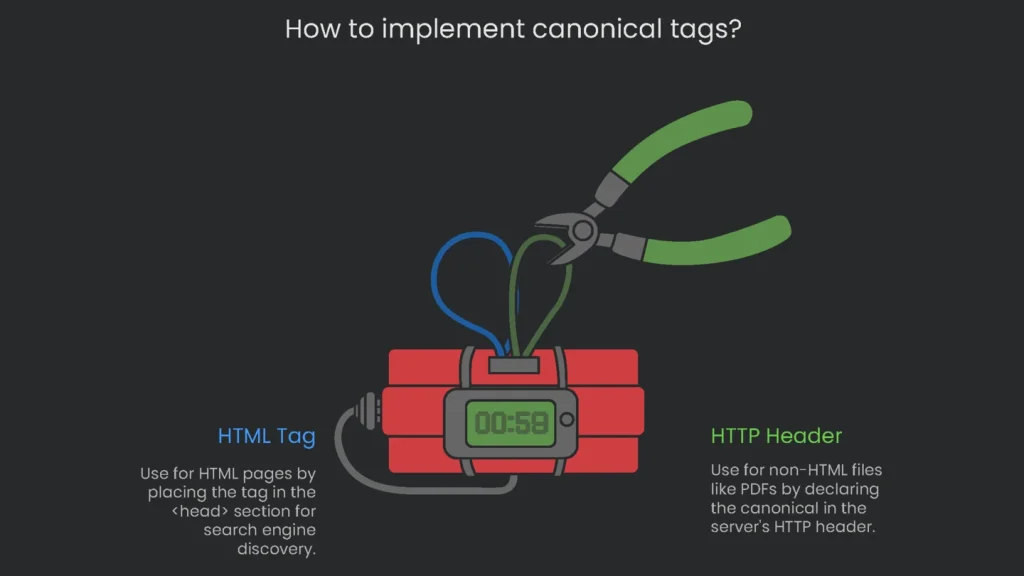
Adding the rel="canonical" tag is a small detail that must be exact. There are two main methods to choose from, depending on the page type.
Using the HTML Tag
The easiest way is to place the tag in the page’s HTML. You must put it inside the <head> section so search engines discover it first. Crawlers check this area for metadata before content. Therefore, a canonical inside the <body> gets skipped and offers no guidance.
Using an HTTP Header
When pointing to non-HTML files such as PDFs or Word docs, you cannot place an HTML link. Instead, declare the canonical in the HTTP header. The server handles this.
Link: <https://www.example.com/downloads/whitepaper.pdf>; rel="canonical"
However, never mix methods for the same file. If a PDF gets both an HTML link and a conflicting header, search engines may ignore both.
Best Practices & Common Mistakes
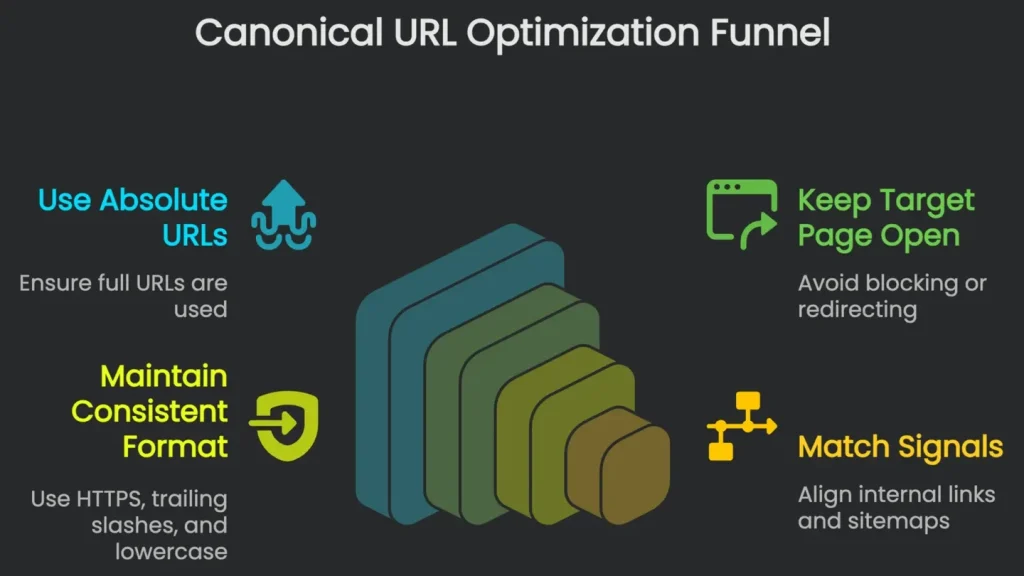
Ensuring your canonical signals behave means following rules and dodging typical pitfalls. Therefore, use this quick checklist to get it right.
Key Best Practices
To help search engines recognize your intended canonical, heed these guidelines.
- Rule #1: Always Use Absolute URLs: The header or HTML tag must use the full URL, including
https://. A relative URL may be misread. Therefore, stick to the full path. - Rule #2: Keep the Target Page Open: The canonical URL must return
200 OK. Do not hide it behindnoindexor block it inrobots.txt. - Rule #3: Use the Same Format Every Time: Canonical URLs should look consistent.
- Protocol: Use secure
HTTPSwithout exception.
- Protocol: Use secure
- Trailing Slashes: Either always use the slash (
/) or never use it—pick one. - Case: Stick to lowercase letters.
- Rule #4: Make Signals Match: Your canonical works best when everything agrees.
- Internal Links: Point all internal links to the canonical page.
- XML Sitemaps: List only canonical versions.
Common Slips to Dodge
Hitting the target is key, but avoiding these traps is just as critical.
- Slip #1: Canonical to a Blocked Page: A tag sent to a 404, a redirect, or a
noindexURL is tossed. - Slip #2: More Than One Canonical: Each page needs a single canonical tag. Otherwise, bots may ignore them.
- Error #3: Putting the Tag in the
<body>: The canonical belongs in the<head>. If it lands in the<body>, crawlers act like it never existed. - Error #4: Canonicalizing Paginated Pages to Page 1: Invalid. Each page in a series features content that differs from page 1.
- Error #5: Creating Canonical Chains or Loops: Always send the tag directly to the single preferred URL.
Do’s and Don’ts Checklist
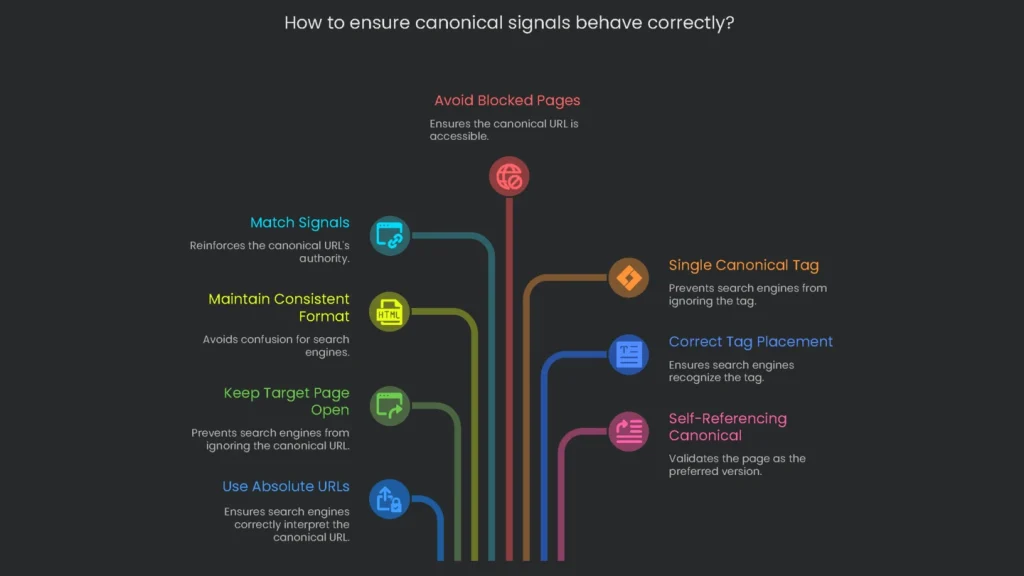
Quick Reference
Use the table below as a quick guide to check your canonical tags and ensure they are set up right.
| DO | DON’T |
Use a complete link starting with https:// | Use a link that starts with just a slash (/page/) |
Link to a live page that sends a 200 response | Link to a 404, redirect, or page set to noindex |
Insert one canonical tag in the page’s head | Insert more than one tag or place it in the page body |
| Apply a self-referencing canonical on every page | Canonicalize page 2, 3, etc., to just page 1 |
| Ensure that all signals (links, sitemaps) match the canonical | Mix signals with canonical chains or loops |
| Keep the same format (HTTPS, slashes, all lowercase) | Shift between mixed formats that confuse crawlers |
Advanced Canonical Scenarios
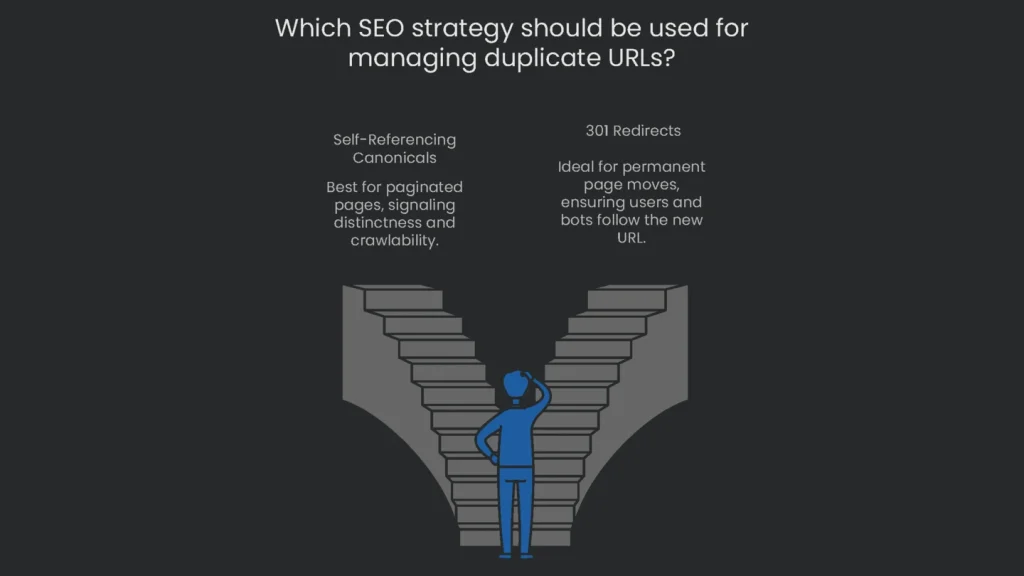
Even when the basics are in place, SEOs face tricky setups. Consequently, canonicals can take on special roles when other parts of the site structure come into play.
Handle Paginated Pages
Managing paginated pages, like blog archives or category lists, can confuse teams. Therefore, use the approach below.
- Right Approach: Self-Referencing Canonicals: Google’s advice is clear. Every page in a set gets a self-referencing canonical. For instance,
/category?page=2points to itself. This signals that page 2 is distinct and its links should be crawled. - What’s This
rel="next/prev"About, Anyway?: For a long time, SEOs addedrel="next"andrel="prev"links. In 2019, Google said they no longer use them for ranking. Bing still checks them in some cases. However, for Google, the key is the self-referencing canonical.
Canons vs. 301 Redirects
Knowing when to use a canonical tag or a permanent 301 redirect is vital. They both tame multiple URLs, yet they work differently.
A 301 redirect is like moving to a new apartment and forwarding all your mail. The old address is empty. Therefore, everyone ends up at the new home.
A canonical tag is like having five phone numbers that all reach one desk. You keep the duplicates open for users. However, you signal which number to remember.
Use a 301 redirect when:
- You’re permanently moving a page and want everyone to stop using the old URL.
- It tells browsers and bots to follow the new link for good.
- It’s ideal when moving whole sections or switching to HTTPS.
Use a canonical tag when:
- You have different versions of the same page and want search engines to treat them as one.
- You keep the duplicates open for users but direct ranking signals to a single URL.
- It works well for sorting and filtering in online catalogs.
Choosing Between Canonicals and Redirects
| Feature | Canonical Tag | 301 Redirect |
| Function | An optional hint to combine signals. | A firm order to change the address permanently. |
| User Experience | Visitors stay on the same duplicate page. | Visitors are automatically sent to the new page. |
| Implementation | A little code in the HTML head or encountered in the reply headers. | A rule set on the server (like in .htaccess). |
| Signal Strength | A strong suggestion, yet can be overruled. | A sturdy, final directive. |
| SEO Value Transfer | Will combine ranking value at the stated canonical page. | Will pass along most ranking strength to the new address. |
| Ideal Use Cases | Sorting options, product colors, or search query tweaks. | Moving servers, fixing broken links repeatedly, or switching to a secure HTTPS format. |
How Canonicals Play Nice with Other Tags
A canonical isn’t a stand-alone superstar. Therefore, pair it with other elements to avoid trouble.
- Canonicals Meet Hreflang: On a worldwide site, each language version must self-canonicalize. For example,
/fr/canonicals should point to/fr/only. Otherwise, you kneecaphreflang. - Canonicals and JavaScript: If the page relies on JavaScript, set the canonical server-side. Therefore, crawlers see it first. Don’t inject it late with JS, or signals may conflict.
Scan and Fix in Time
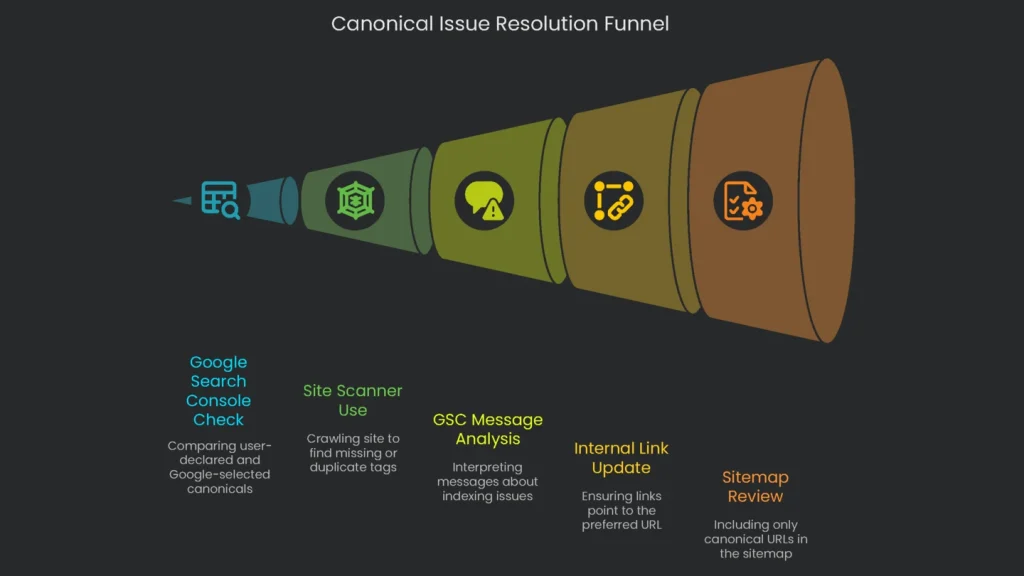
Even with careful planning, canonical hiccups sneak in. Consequently, audits keep the site healthy and the fixes cheap.
How to Spot the Problem
A mix of tools will help diagnose pages with canonical issues. For example, try the options below.
- Google Search Console’s Inspection Tool: It shows the canonical declared to Google. If the “user-declared canonical” and the “Google-selected canonical” don’t match, you have a mismatch to fix.
- Site Scanners: Tools like Screaming Frog, Sitebulb, or Semrush can crawl your site. They flag missing tags, canonicals to 404s, or pages with two tags.
Reading Your GSC Messages
Google Search Console lists messages about pages that can’t be indexed due to canonicals. Therefore, read them closely.
- “Alternate page with proper canonical tag”: This one’s a thumbs-up. Google found a copy, saw your canonical, and skipped indexing the duplicate.
- “Duplicate, Google chose different canonical than user”: This raises a flag. You pointed to one link, but Google picked another, which means your signals conflict.
When Google Swipes Your Canonical
When Google says “No thanks,” other hints—like link structure, headers, or parameters—are stronger. To fix it, align settings, links, and server rules so they back the same URL. Consequently, everything tells Google one clear story.
Here’s a quick checklist to sort it out:
- Check Internal Links: Update links to the preferred URL.
- Review Your Sitemap: Keep only the canonical URL in the XML sitemap.
- Analyze External Links: If the non-canonical URL has strong backlinks, consider outreach.
- Verify Technical Setup: The primary URL must be live, indexable, and unblocked.
- Assess Content Similarity: The ignored page should be very similar to the preferred one. Otherwise, Google may overlook your signal.
Making sure your internal links, sitemap, and content all whisper the same URL keeps confusion away. As a result, Google follows your lead.
The Rel=”Canonical” is Your Online Authority
Bottom Line
The rel=”canonical” tag is a powerhouse for tech SEO. It fights duplicate content, pools authority, and guides Google where you want attention. Use it wisely and your site earns the credit it deserves.
Its strength shows when you apply it correctly and keep it steady. The canonical link is a loud whisper, but it counts only when everything else works too. Therefore, think of your site like a giant train station. When platforms, boards, and switches all point to the same train, passengers board where you want—and search engines do, too.
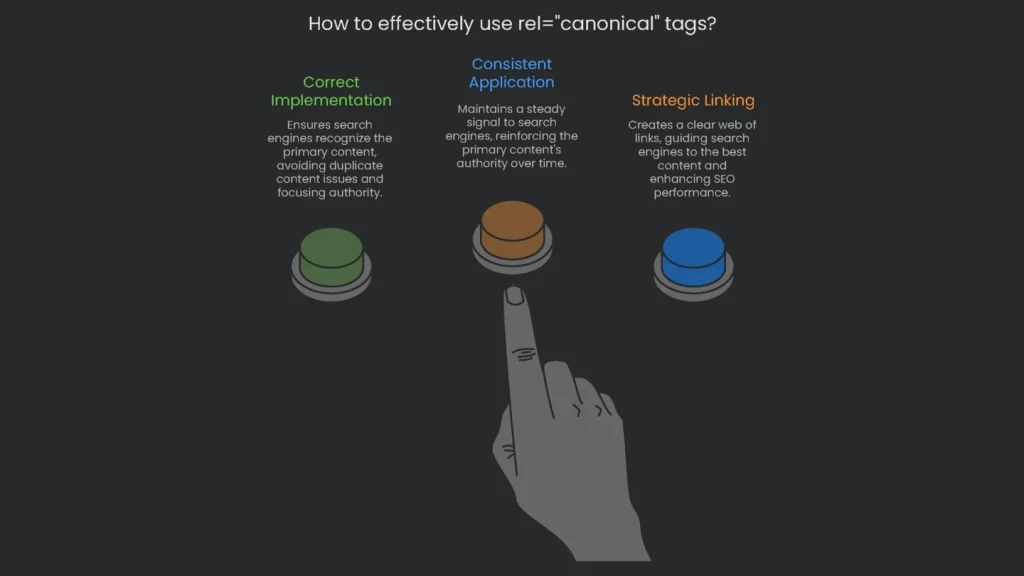
Getting rel="canonical" right is more than learning one line. You are crafting a clear web of links and paths. Consequently, search engines get a precise map of where your best content lives, and only that page gets the spotlight you intended.
Implementation steps
- Every page meant for indexing should tell itself the right URL with a rel=“canonical”.
- Non-canonical versions, like duplicate or parameter-based pages, should have their canonicals pointing to the primary version.
- Never let canonicals and redirects or hreflang tags give conflicting directions.
- Write canonicals as absolute URLs and use one canonical link per page.
- Confirm through a crawl and Search Console that the canonicals are respected, changing any that are ignored
Frequently Asked Questions
How does rel=canonical work?
It shows which version of a page you want Google to count, helping unify similar copies.
Should every page link to itself with a canonical?
Definitely—extra protection against duplicate URLs you didn’t plan.
Can Google skip the canonical?
Yes, if the duplicate content is materially different or if it sees conflicting signals.
Is cross-domain canonical possible?
Yes, it’s fine to canonicalize a syndication copy back to your original.
What mistakes do we see most?
Canonicalizing a paginated series to page 1 or mixing canonical links with 301s.